Overview of the Dynamic Login Button for Elementor
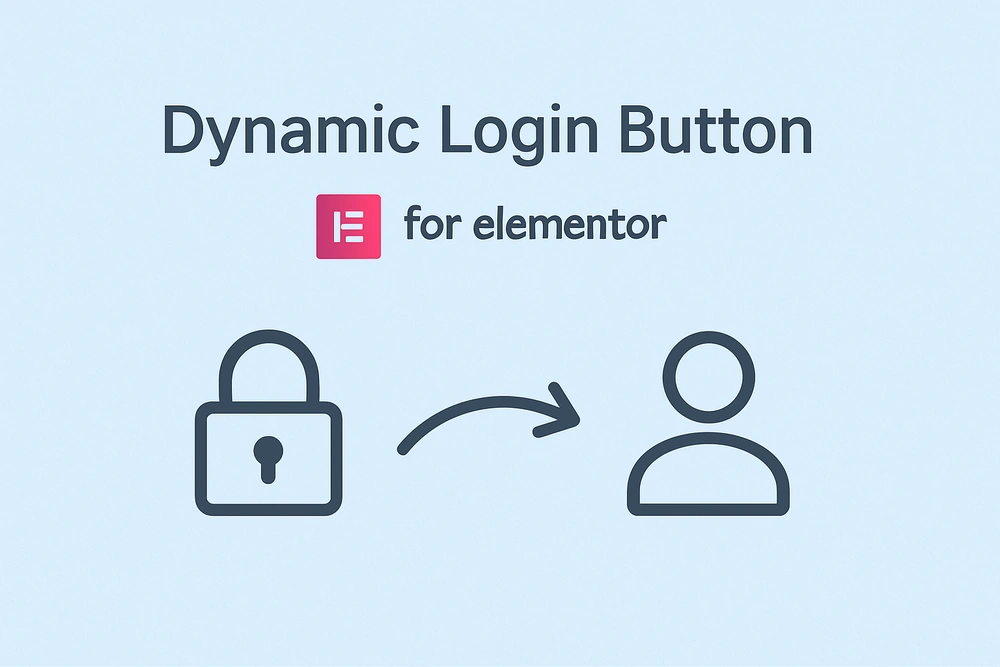
Creating a seamless navigation experience is crucial. The Dynamic Login Button for Elementor is a powerful tool that adds “smart” functionality to your buttons. It automatically detects a user’s Elementor login status and allows you to show a different button for logged in users in Elementor. This means you can have one button that serves two purposes.
For logged-out visitors, display a “Login” button. Once they log in, that same button can transform into a “My Account” link, using the Elementor dynamic link for logged in user feature.
This eliminates confusion and provides a professional user journey. This plugin is the easiest way to set up Elementor conditional visibility for buttons without code. If you need an Elementor button link based on login status, this is the perfect, lightweight solution.
Key Features
- Dynamic Text & Link: Automatically change Elementor button text after login and its destination URL.
- Fully Customizable: Set custom text and links for both logged-in and logged-out states to create the perfect conditional button in Elementor.
- Seamless Elementor Integration: Works with the native Elementor Button widget to create a powerful Elementor smart button.
- Lightweight and Fast: Adds zero bloat, ensuring your dynamic Elementor button loads instantly.
- Supports All Links: Use the Elementor dynamic link for logged in user feature with internal pages, dynamic tags, or external URLs.
- No-Code Solution: Achieve complex Elementor conditional visibility for buttons without writing any code.
Use Cases (Who is this for?)
- Membership Sites: Use one dynamic Elementor button that serves as a “Join” link for visitors and a “Dashboard” link for members.
- WooCommerce Stores: Display a “Login” button that changes to “My Account,” giving customers an easy Elementor button link based on login status.
- Online Course Platforms: Guide new users to register and returning students directly to their course dashboard with an Elementor smart button.
- Any Website with User Accounts: Any site can benefit from a cleaner UI when you show a different button for logged in users in Elementor.
- Web Designers & Agencies: A must-have tool for building professional sites with a clear Elementor login button flow.
Frequently Asked Questions
How do I set up the dynamic login button in Elementor? Simply add an Elementor Button widget, and you’ll find new fields to set the text and create an Elementor dynamic link for a logged in user versus a logged-out one.
Does this plugin work with the free version of Elementor? Yes, this plugin for creating a dynamic Elementor button works perfectly with both the free and Pro versions of Elementor.
Can I use this for more than just a login button? Absolutely! The Elementor conditional visibility for buttons can be used to show different calls-to-action based on Elementor login status.
Is the plugin compatible with caching plugins? Yes, the plugin is designed to be compatible with most caching solutions, ensuring your conditional button in Elementor always displays correctly.



How to add a logout link directly from the button after login?
Try adding /wp-login.php?&loggedout=true in logged in URL field
Would be nice if it supported more user roles.
Plugin does exactly what it promises – dynamic login button behaviour
Handy for membership-site setup. Users see login before account, then automatic switch – makes navigation clearer.
Button changes on login status works reliably, though I’d appreciate a few more styling options.